
By Vervida Home
Plan floating shelves above a desk around the workstation you already use, not around a symmetrical wall photograph. Keep the monitor where it works for you, reserve space for its adjustments, and use the shelves for a small number of items that do not need to live on the desktop. A shelf beside the monitor may serve the room better than one directly over it.
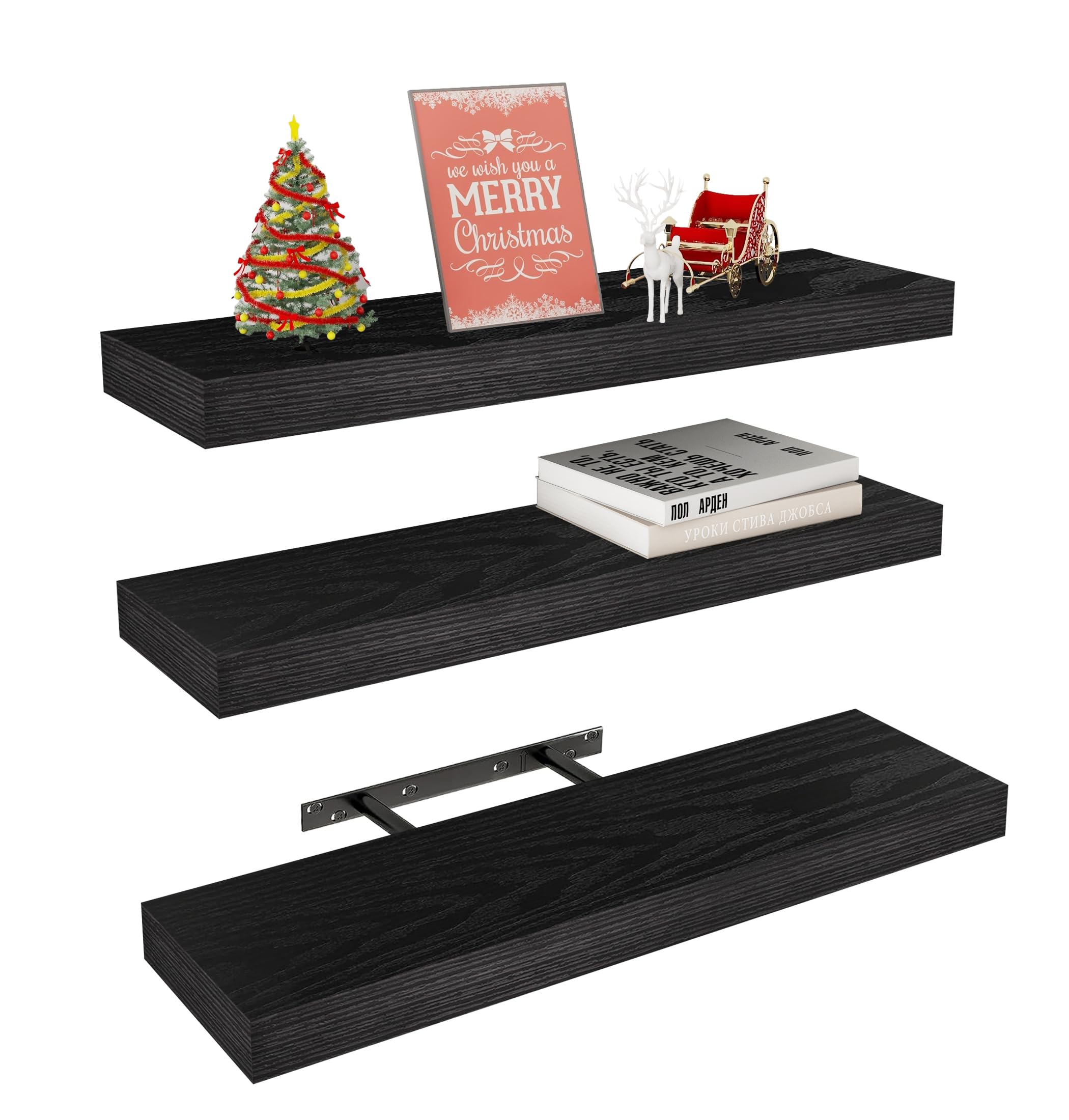
This is a manufacturer product image, not a photograph of an installed desk layout. The layouts below are planning examples.
How we made this guide
This AI-assisted editorial guide combines verified Vervida launch-product information with OSHA's monitor-placement guidance. The layout suggestions are our planning recommendations, not independent installation tests or an assessment of your wall.
Start with the screen, chair, and light
Set up the desk as you normally work before measuring the wall. OSHA recommends placing the monitor in front of you and positioning the top of the screen at or below eye level. That is guidance about the workstation, not a specified mounting height for a floating shelf.
Do not raise or shift the screen simply to fit a shelf arrangement. Check its highest normal position if it uses an adjustable arm. Also note desk lighting, window coverings, outlets, and cables that need to remain accessible.
Then separate your intended objects into two groups: supplies used repeatedly during work, and occasional-use or display items. Keep frequently used supplies where you can access them comfortably; do not design a storage plan that makes you repeatedly reach over the monitor.
Layout A: a single visual line above the workstation
One shelf can provide a quiet horizontal line when the wall has enough open space. Use it for occasional-reference items or a small display, rather than as overflow storage for everything on the desk.
Before selecting this layout, make a paper or tape outline of the shelf's length and depth. Sit at the desk, move the monitor through its usual positions, and stand up normally. If the proposed shelf or objects intrude into that movement, choose another position. A wall outline helps with scale; it does not establish that drilling or loading is safe.
Layout B: an offset group beside the screen
An offset arrangement is worth considering when the screen occupies most of the desk's central wall. Place the planned shelf group to one side so that screen adjustments and daily work remain visually separate from the display.
This is useful for a frame, a small reference collection, or a container used occasionally. Check the chair's travel and the route into the desk area. A shelf that looks tidy from the doorway can still project into the place you stand when plugging in equipment.
Layout C: shelves on the adjacent wall
The best desk storage does not have to be directly above the desk. An adjacent wall may make occasional-use items easier to see without putting them over the keyboard, screen, or seated working position.
Check both viewpoints: sitting at the workstation and entering the room. Keep essential desk supplies on the desk or in suitable nearby storage. If the shelves would create an awkward retrieval routine, use them for a display and solve supply storage separately.
Measure the objects before choosing shelf depth
Measure the base of the actual container or frame stand, not just its visible front. A stand can extend farther than the frame, and a book can be deeper than it appears when viewed spine-first.
The verified Vervida launch configuration has three black engineered-wood shelves, each 24 inches long, 5.8 inches deep, and 1.5 inches thick. Those dimensions help you compare an outline with the wall; they do not mean every desk container will fit or that every mounting location is suitable.
Use the floating-shelf depth guide to decide whether another depth would better support your objects. Avoid allowing a container base or frame stand to overhang a shelf edge.
A before-drilling checklist
- Keep the monitor in its normal working position and check its adjustment range.
- Outline the proposed shelf, including its projection into the room.
- Measure every intended object's base, height, and weight.
- Keep outlets, cables, switches, and window coverings accessible.
- Check wall construction and possible concealed services before drilling.
- Follow the selected shelf's current instructions; ask a qualified installer when wall support or the mounting plan is uncertain.
If the arrangement solves only a visual problem but makes work less convenient, reduce the display or move it to another wall. A clear desktop is more useful than a shelf system that forces the rest of the room to work around it.
Source and limits
Product dimensions and material come from the owner-verified July 6, 2026 manufacturer record for the launch configuration. OSHA supports the screen placement discussion, not any shelf clearance, mounting method, or load approval. The proposed layouts require checks against your own wall, objects, and current manufacturer's instructions. No hands-on installation was performed for this guide.
Related reading
- Choose floating-shelf depth for your objects
- Plan a floating-shelf installation before you start
- Browse floating shelves by size and depth
- Compare the matching 24 inch Vervida shelf details
If this configuration fits your measured layout, check current Vervida shelf details on Amazon.